
Product Details
Delivery Format: Email --- Password --- 2FA Key/Link --- App Password --- Recovery Email SMS Link
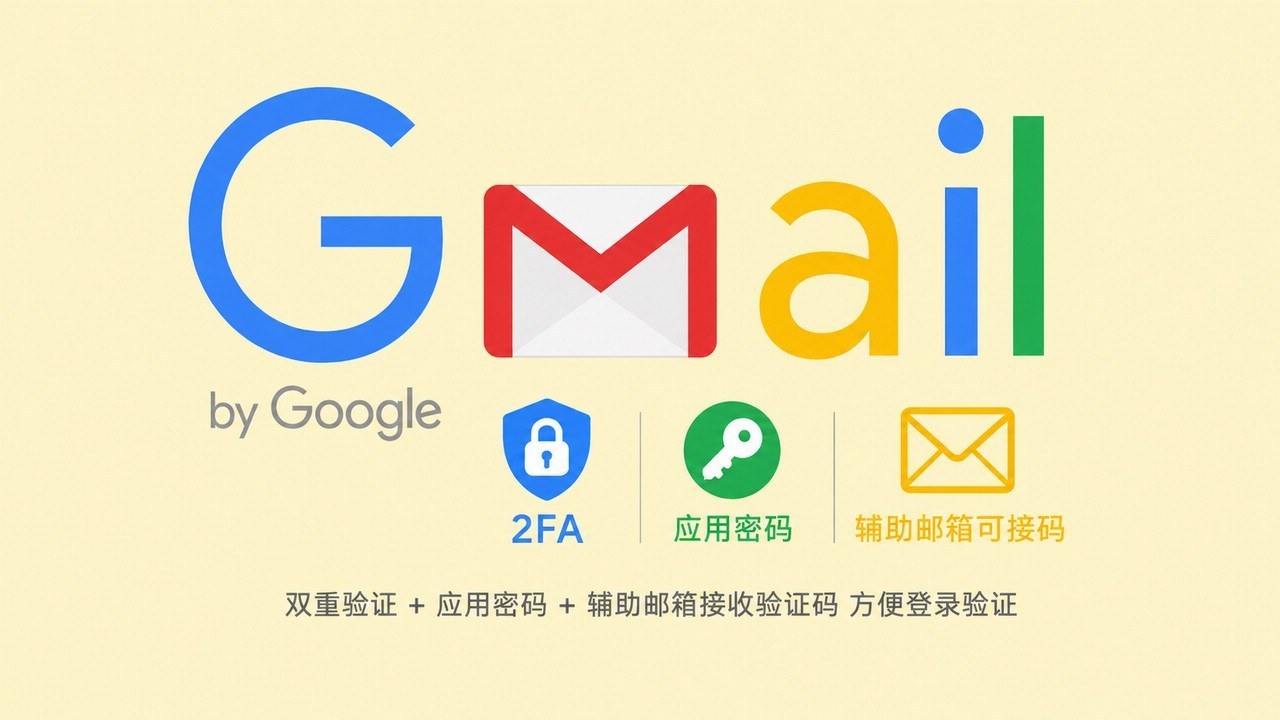
Product Positioning: This product is a Brand New Google Account (General Gmail / YouTube). It comes pre-configured with independent 2FA (Two-Factor Authentication), a dedicated App Password, and a bundled recovery email. It features high security, anti-ban stability, and reliable multi-device login, making it suitable for long-term account nurturing and business use.
1. Why Choose This Google Account Specification? (Core Advantages)
- Built-in 2FA (Two-Factor Authentication): Log in from different locations or devices without needing a phone number verification. Simply enter the dynamic code for direct access, providing strong anti-ban protection.
- Supports App Password Authorization: Perfectly compatible with various third-party email clients (Outlook/Foxmail) and automation script tools, eliminating the risk of exposing your main password.
- Includes Recovery Email Link: Comes with an independent SMS link, allowing you to autonomously receive Google security notifications and login verifications from other locations, giving you 100% control over the account.
- Universal Use Cases: Supports Gmail sending/receiving, registration for various foreign trade websites/game control panels, YouTube subscriptions/likes, and compliant channel operations.
2. Google 2FA Verification Code Retrieval Tutorial
You can choose any of the following most convenient methods to obtain the 6-digit dynamic verification code:
| Method | Specific Steps |
|---|---|
| ① Quick Web Generation | Open the 2FA Link from the delivery package directly in your browser, or visit 2fa.hk and enter the 2FA Key from the delivery details to instantly generate the current valid 6-digit code. |
| ② Mobile App Binding | Download Google Authenticator on your phone, select "Enter setup key", fill in the 2FA Key from the delivery details, and you can view the real-time dynamic code (updated every 30 seconds) on your mobile device. |
* Note: The 2FA Key is a core security asset. Do not share it. If you receive a "code invalid" error, wait 30 seconds for a refresh and enter the latest code.
3. After-Sales Policy & Important Notes
- First Login Guarantee: Please test the login immediately upon receiving the account. If you encounter first-login issues such as a banned account, incorrect password, or incomplete information, please contact customer service promptly for resolution.
- Environment Notice: Please prepare your own clean and high-quality network proxy environment. Issues arising from using contaminated personal devices or low-quality proxy IPs for batch logins that trigger Google's risk controls are not covered by the after-sales policy.
- Data Preservation: The 2FA Key and the recovery email SMS link are the core credentials for long-term use. Please ensure you save them securely in a local location.
Product FAQ
Q1: What is an app password? What is the difference between it and the master password?
The master password is used for daily login on the web. An app password is a dedicated 16-digit secure key specifically designed for Outlook, Foxmail, mass emailing software for foreign trade, or various automated scripts. Using an app password to log in to third-party tools ensures that even if the network environment is abnormal, the main account will not be locked due to risk control, providing excellent anti-blocking protection.
Q2: After purchasing the account, how do I receive the verification code for the recovery email?
The delivery materials include a dedicated 'recovery email verification code link.' When Google prompts you to send a verification code to the recovery email during login, simply open the link in your browser to directly view the latest email and verification code received by the recovery email on the webpage, without needing to prepare or log into the recovery email yourself.
Q3: How to ensure the purchased Google account remains stable long-term without being banned?
Since 2FA is enabled, the account itself is highly secure. For daily use, please note: ① Clear browser cache (cookies) or use a separate incognito window before logging in; ② Ensure the network node is high-quality and clean; ③ The first 2-3 days after logging in are an adaptation period, so please browse YouTube or check emails normally first, and avoid frequently changing passwords or sending high-frequency bulk messages.
Q4: Can I change the password or bind my own phone number after purchase?
Yes, you can. However, for account stability, it is strongly recommended to log in and use it in a stable environment for 3-7 days before gradually changing the password or binding your own phone number/swapping to your own recovery email. Do not immediately modify sensitive information upon the first login from a different location, to avoid triggering Google's location-based security protection mechanism.
Q5: Does this account support YouTube creator monetization or channel management?
This account includes full YouTube basic permissions and can be directly used for content browsing, channel subscriptions, likes, and comments. If you need to create a channel, upload videos, or even apply for the YouTube Partner Program (YPP) for ad revenue in the future, this account specification fully complies with Google's compliance standards, making it a highly cost-effective choice for basic account nurturing.
Related Products
 Google Gmail/YouTube Aged Account Registered Over 6 Months with 2FA and Recovery Email for SMS Verification
Auto Delivery
20.00CNY
Stock: 0
Discount
Google Gmail/YouTube Aged Account Registered Over 6 Months with 2FA and Recovery Email for SMS Verification
Auto Delivery
20.00CNY
Stock: 0
Discount
 Google Gmail/YouTube New Account with Auxiliary Email for SMS Verification, Registered About 10 Days
Auto Delivery
8.00CNY
Stock: 0
Discount
Google Gmail/YouTube New Account with Auxiliary Email for SMS Verification, Registered About 10 Days
Auto Delivery
8.00CNY
Stock: 0
Discount
 Google Gmail/YouTube Aged Account Registered with US IP Over 1 Year with 2FA
Auto Delivery
30.00CNY
Stock: 0
Discount
Google Gmail/YouTube Aged Account Registered with US IP Over 1 Year with 2FA
Auto Delivery
30.00CNY
Stock: 0
Discount
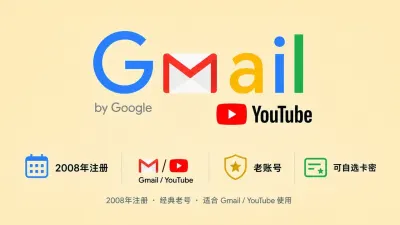 2008 Registered Google Gmail/YouTube Old Account
Auto Delivery
30.00CNY
Stock: 0
Discount
2008 Registered Google Gmail/YouTube Old Account
Auto Delivery
30.00CNY
Stock: 0
Discount
 1
1



