
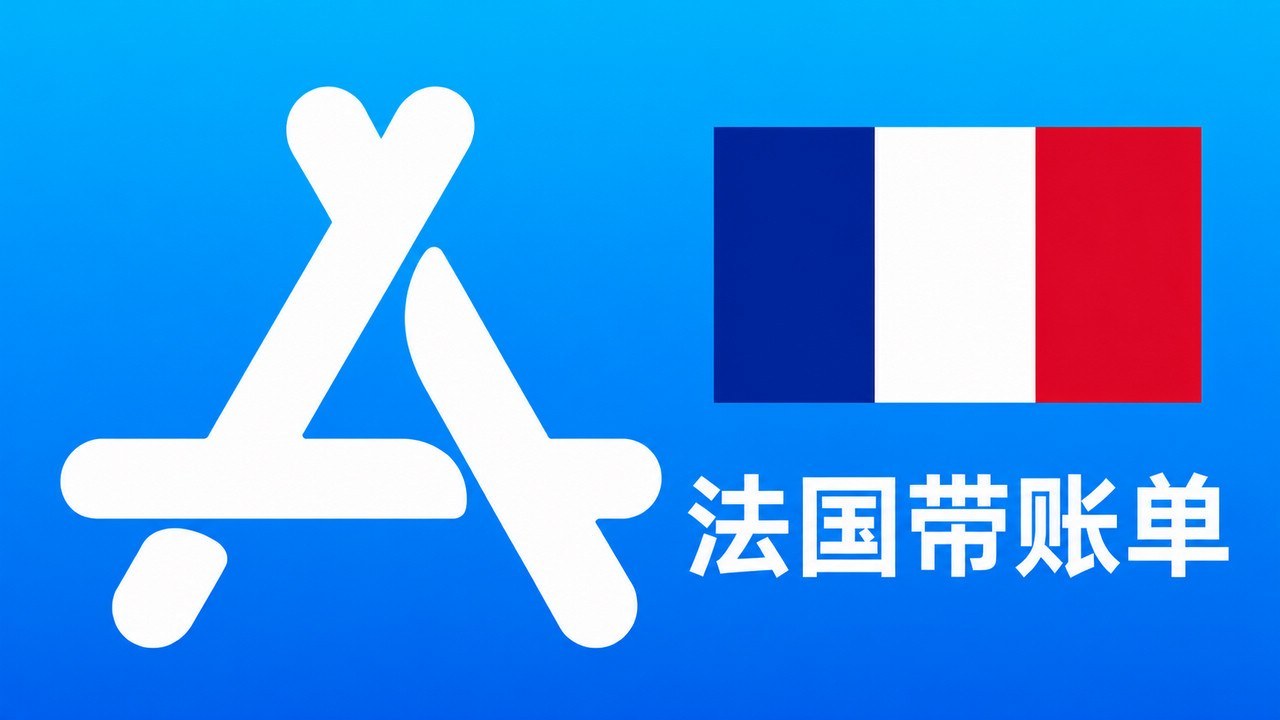
Product Details
This product is a France region (FR) Apple ID exclusive clean aged account (with real historical purchase bill records). It is tailor-made for users who need to use the French App Store to download France and Europe-specific applications, top up France region Apple gift cards, experience the European digital content ecosystem, and maintain a high-weight overseas Apple account for long-term stability. Compared to newly registered blank accounts, this France exclusive aged account has higher historical credit weight and anti-risk capability, performing more stably when making in-app purchases, cross-region subscriptions to popular overseas AI tools, or streaming media membership payments.
💡 Core Features of Exclusive France Region Clean Aged Account
- Rich European Resources: Freely download office and learning software, local life services, overseas games, and globally popular AI applications (such as ChatGPT, Gemini, etc.) exclusive to the France and European regions.
- Comes with Purchase History: The account contains real historical download or purchase bill records, making it an active paid account in Apple's credit system, more stable and less prone to bans than blank new accounts.
- Supports Full Modification: Exclusive account, one account per user. Upon receipt, you can immediately change the initial password, security questions, birthday, and securely bind your personal email, achieving 100% independent ownership control.
- Automatic Instant Delivery: 24/7 automated delivery system, instant purchase and withdrawal, with after-sales support for initial login on the day of purchase, ensuring a worry-free transaction.
🎯 Applicable Scenarios and Safety Guidelines
✅ Recommended Primary Use:
- Log in to the App Store on your phone to cross-region download and update applications, European server games, and tools available in the France region.
- Top up legitimate France region Apple gift cards and use account balance for in-app purchases or streaming media membership subscriptions.
❌ Strictly Prohibited and Not Recommended:
- Strictly prohibited for any illegal activities, fraudulent order manipulation, money laundering, or violations of platform community guidelines.
- Strictly prohibited from sharing among multiple users; avoid frequent cross-country/region IP switching or frequent device changes in a short period to prevent triggering Apple's security mechanisms leading to purchase restrictions.
- For regular app downloads, only log in to the App Store. Do not log in to iCloud in your phone's Settings unless you fully understand the account data synchronization mechanism.
⚙️ Login Guide and Tips to Avoid Pitfalls for France Region Use
- Open the App Store on your iPhone or iPad, tap the profile icon in the top right corner (log out of the previous account), then enter the received account and password to log in to the new account.
- 【Key Point】 Before subscribing to any overseas app memberships, streaming services, or AI tools, first check the account's "Purchase History" and "Subscriptions". Confirm there are no conflicting residuals before linking your personal business to avoid your payment being mistakenly applied to the account's existing historical items.
- After verifying the login and checking the billing details, promptly go to the Apple official account management center to change the password, security questions, and bind your personal email to ensure long-term account security.
🌐 Apple Account Management (Change Password/Security) | 🔑 Apple Official Password Reset & Unlock Center
Product FAQ
Q1: Can all in-app purchases and streaming subscriptions be 100% successful when purchasing a French old account with consumption receipts?
Q2: 法国苹果账号如何充值和消费?可以直接刷国内信用卡吗?
Q3: How to choose between an activated iCloud version and an unactivated iCloud version?
Q4: What is the practical use of the consumption bill records carried by old French accounts?
Q5: What should I do if the account prompts that it is locked, abnormal, or cannot be logged in initially after receipt?
Related Products
 Hong Kong Apple ID Old Account (Recharged with Purchase History) | Same-Day After-Sales Support
Auto Delivery
30.00CNY
Stock: 0
Discount
Hong Kong Apple ID Old Account (Recharged with Purchase History) | Same-Day After-Sales Support
Auto Delivery
30.00CNY
Stock: 0
Discount
 US Apple ID Old Account (Recharged with Purchase History) | Same-Day After-Sales
Auto Delivery
30.00CNY
Stock: 0
Discount
US Apple ID Old Account (Recharged with Purchase History) | Same-Day After-Sales
Auto Delivery
30.00CNY
Stock: 0
Discount
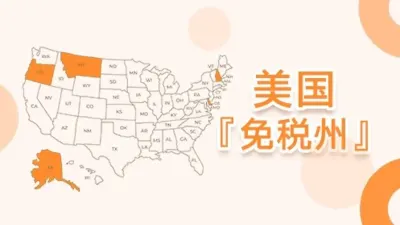
 US Apple ID Aged Account (Tax-Free Zone with Purchase History) | Same-Day After-Sales
Auto Delivery
35.00CNY
Stock: 0
Discount
US Apple ID Aged Account (Tax-Free Zone with Purchase History) | Same-Day After-Sales
Auto Delivery
35.00CNY
Stock: 0
Discount
 Japan Apple ID Aged Account (Recharged with Purchase History) | Same-Day After-Sales
Auto Delivery
30.00CNY
Stock: 0
Discount
Japan Apple ID Aged Account (Recharged with Purchase History) | Same-Day After-Sales
Auto Delivery
30.00CNY
Stock: 0
Discount
 1
1



